
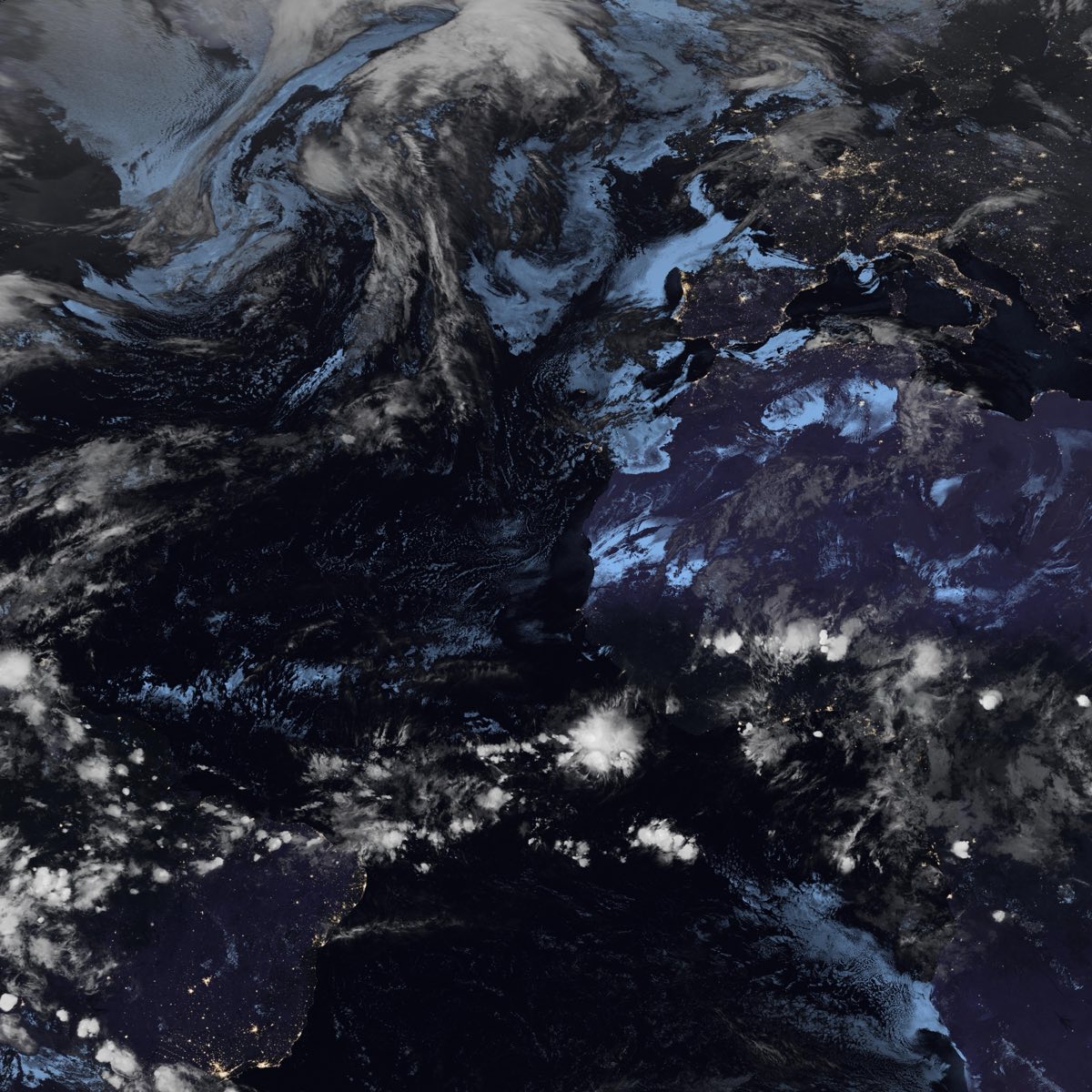
What people mean by live weather wallpaper
A live weather wallpaper is not just a forecast widget pasted onto the desktop. The useful version is a background that changes with real atmospheric conditions while staying calm enough for daily work.
For LiveAtlas, that means using near real-time satellite cloud maps as the visual layer, then adding optional weather context when location permission and data availability allow it.
Why satellite imagery is a better wallpaper signal
A temperature number or rain icon is useful, but it does not show the shape of the weather. Satellite clouds reveal storm structure, cloud bands, clear areas, ocean systems, and day-night changes across a wide region.
That makes the wallpaper informative without turning the Mac desktop into a dense weather dashboard.
How to use this idea on macOS
Start with a broad regional view so the wallpaper has enough source detail and weather context. Then narrow the region only if you need a more personal view around your city, coastline, island chain, or storm path.
LiveAtlas updates the desktop in the background, so the weather layer remains visible when you glance at your Mac rather than requiring another app window.
Related LiveAtlas pages
Try LiveAtlas
LiveAtlas is available on the Mac App Store and is designed for users who want a real satellite Earth view on their desktop.