
Choose by wallpaper intent, not by animation alone
Most Mac live wallpaper searches mix very different products: video wallpaper libraries, time-of-day scenic wallpapers, 3D Earth apps, map-based wallpapers, and satellite imagery wallpapers. They all change the desktop, but they solve different jobs.
If you mainly want cinematic motion, a video wallpaper app may be the right fit. If you want the desktop to reflect real atmospheric conditions, a satellite wallpaper app is the more relevant category.
Where LiveAtlas fits
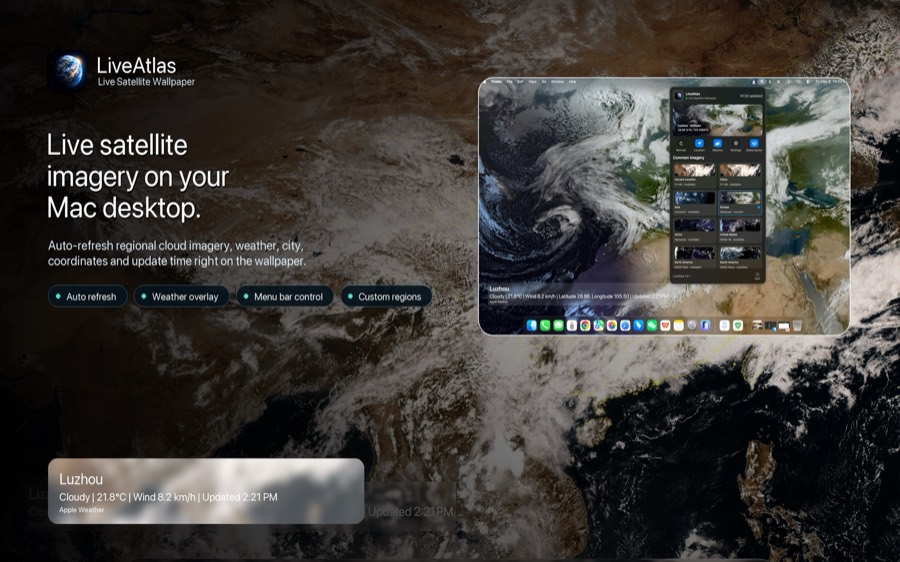
LiveAtlas is built for Mac users who want a real Earth view with satellite cloud imagery, regional source choices, optional weather context, and automatic desktop updates.
That makes it a stronger fit for searches where the word live means current Earth and weather, not simply a looping animation behind your windows.
What to check before choosing
For a high-intent comparison, check update cadence, whether the imagery is real or pre-rendered, whether the app supports multiple monitors, whether it stays quiet on CPU/GPU, and whether it has a clear privacy model.
LiveAtlas keeps the experience focused: satellite wallpaper first, weather context second, and no need to keep a separate browser tab open just to see the current Earth view.
Related LiveAtlas pages
Try LiveAtlas
LiveAtlas is available on the Mac App Store and is designed for users who want a real satellite Earth view on their desktop.